For DHL, you can book the pickup yourself by heading over to https://express.dhl and follow the instructions below.
Reach out to hardware@realworld-one.com if you received a FedEx return label or want us to book the pickup for you.
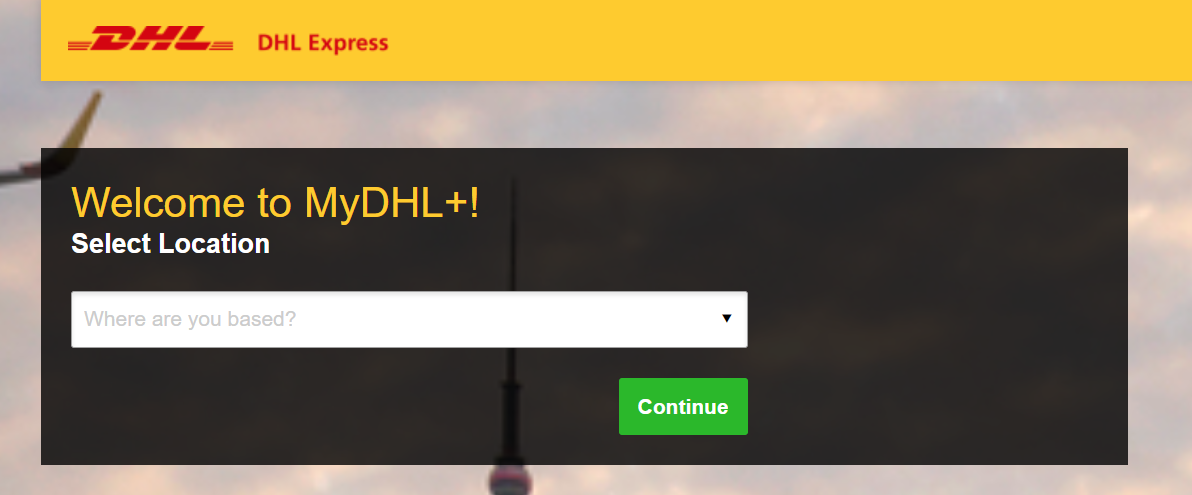
- Select your location and hit Continue.
|
 |
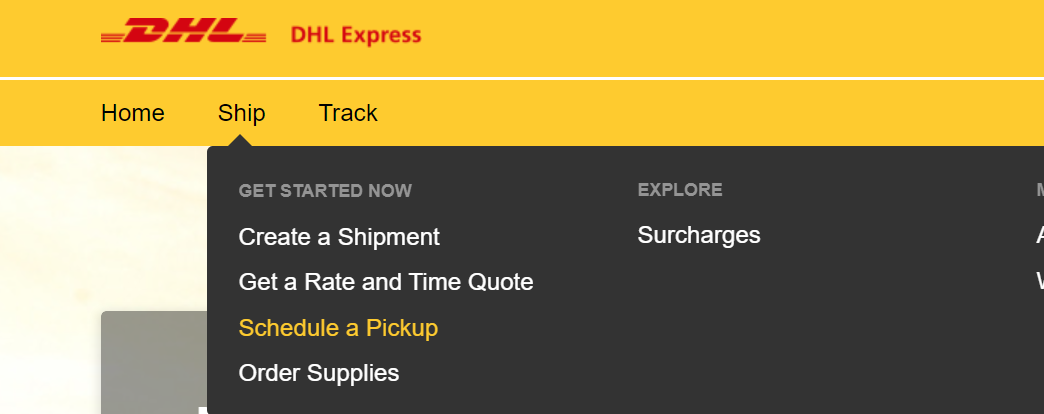
- Click on Ship and select Schedule a Pickup.
|
|
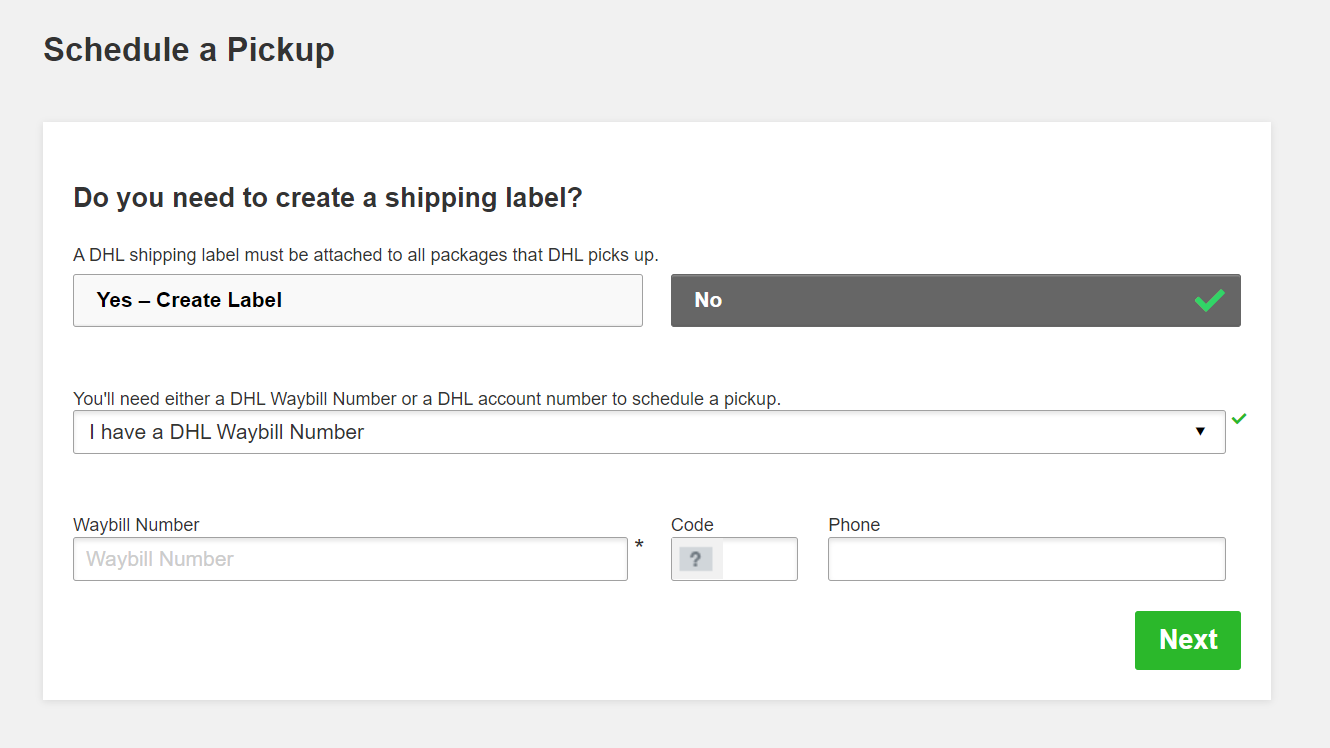
- Select No when asked if you want to create a shipping label.
- Select I have a DHL Waybill Number.
- Enter the Waybill Number (without WAYBILL) from your return label included in the package. Reach out to hardware@realworld-one.com if you cannot find the return label.
- Enter your phone number.
|
 |
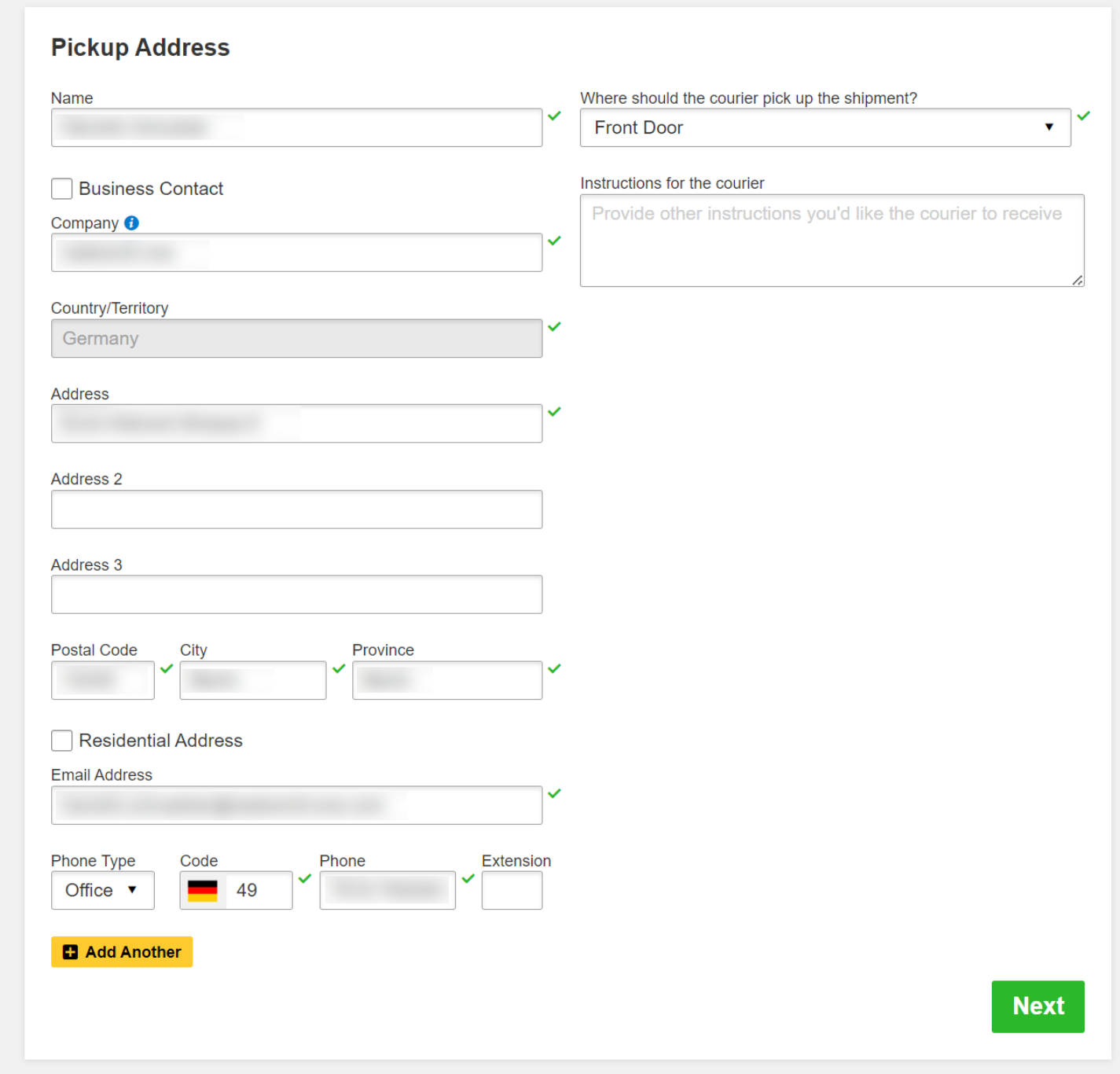
- Adjust the Pickup Address if necessary, select the pickup location, and optionally add instructions for the courier.
|
 |
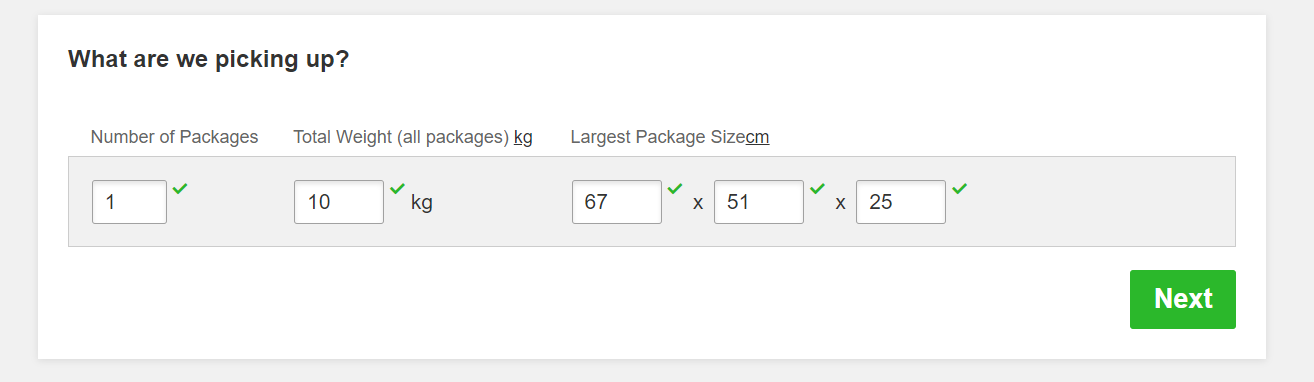
- Enter the number of packages, total weight, and largest package size. Our standard package sizes are:
-
Tethered System (Metal case with laptop & VR headset): 67cm (L) x 51cm (W) x 25cm (H) and 10kg weight.
-
All-in-One System (Carrying case with VR headset): 40cm (L) x 26cm (W) x 15cm (H) and 3kg weight.
|
 |
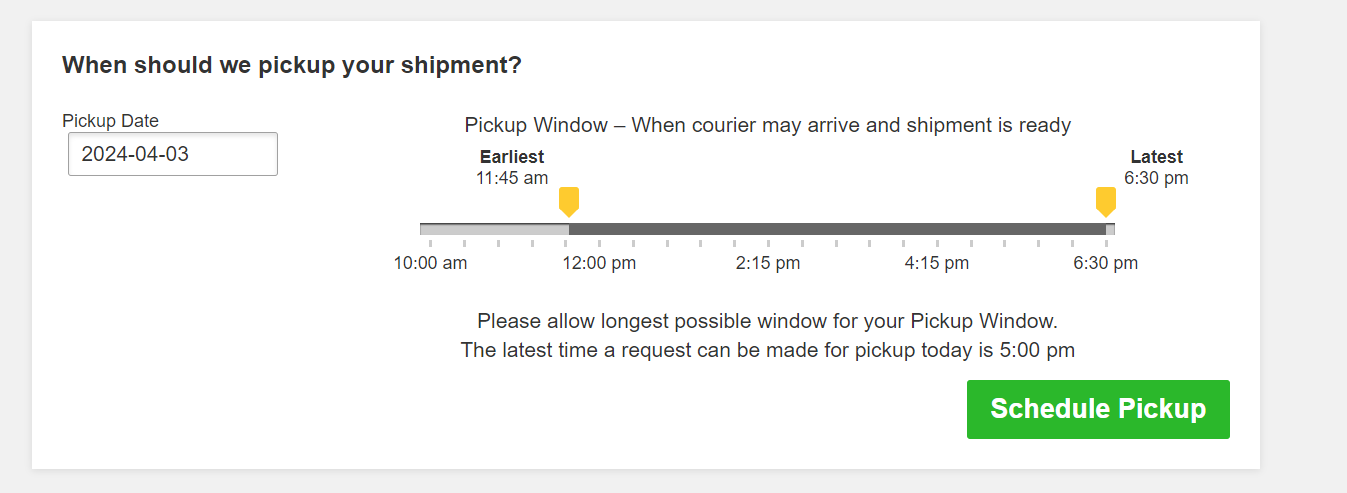
- Select your preferred Pickup Window and schedule the pickup.
|
 |
-
Ensure that the return label is correctly placed inside the shipping label bag, with the address visible through the transparent side.
-
Locate the peel-away backing on the adhesive side of the bag. Carefully peel it off to expose the adhesive.
-
To avoid confusion during transit, place the return label bag directly over the original shipping label, if it cannot be removed. This ensures only the return address is visible.
|
|
Thank you for sending back the hardware! If you need help, contact hardware@realworld-one.com.
Comments
0 comments
Please sign in to leave a comment.